
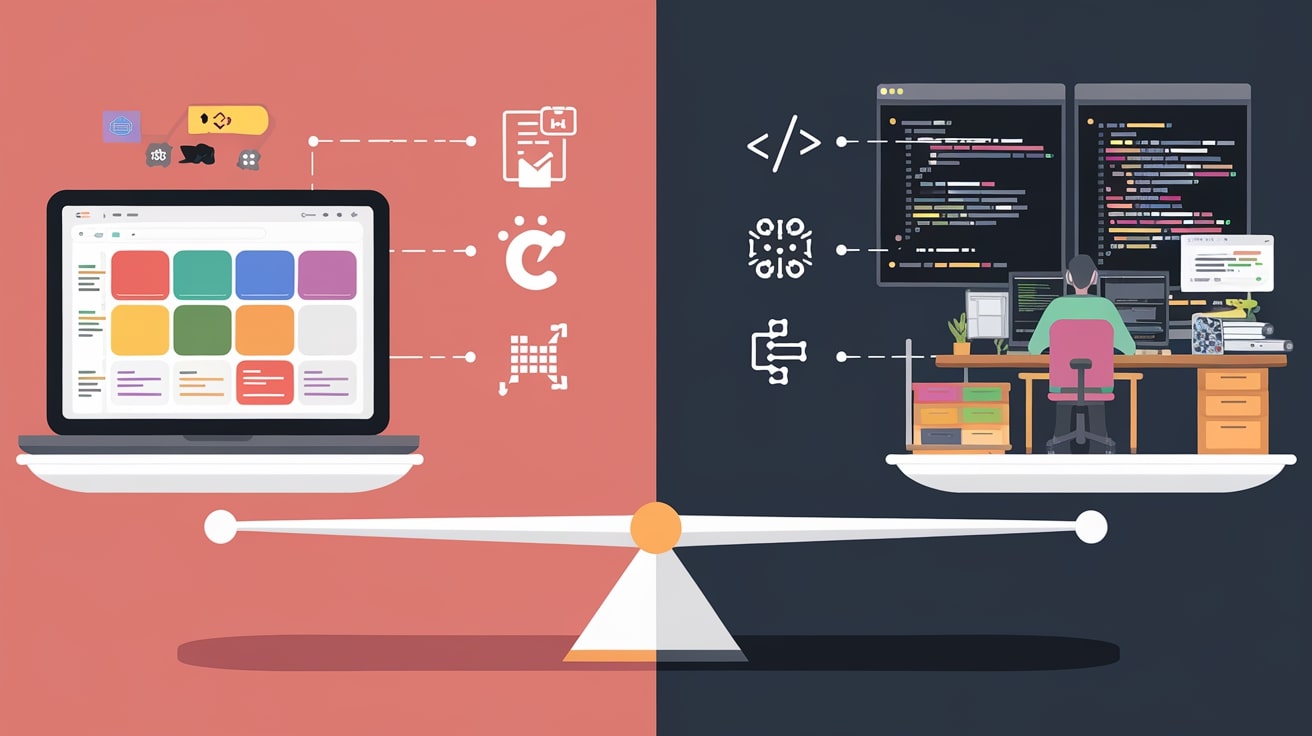
The no-code revolution has fundamentally changed how founders build MVP websites. Tools like Bubble, Webflow, and Framer let non-technical founders ship products in days instead of months. But does faster always mean better? And when does custom code still make sense?
The answer isn’t simple. Both approaches have legitimate use cases, significant trade-offs, and situations where they shine or fail. Choosing wrong can mean rebuilding your entire product later—or wasting months on custom development you didn’t need.
This guide provides a framework for deciding between no-code and custom code when you build your MVP website, based on your specific situation, resources, and goals.
Understanding the No-Code vs Custom Code Spectrum
Before diving into the decision framework, it’s important to understand that “no-code vs custom code” isn’t a binary choice. There’s a spectrum:
- Pure no-code: Bubble, Webflow, Softr, Glide—visual builders requiring zero coding
- Low-code: Retool, Xano, Supabase—minimal coding with visual components
- Hybrid: Webflow + custom JavaScript, or Bubble with plugins
- Code with frameworks: Next.js, Rails, Django—traditional development with modern tools
- Pure custom: Everything built from scratch (rarely needed for MVPs)
Most MVPs fall somewhere in the middle. Even “custom code” projects use pre-built authentication, payment processing, and UI component libraries. The question is where on this spectrum your project should land.
When No-Code Makes Sense for Your MVP
No-code platforms have evolved dramatically. Modern tools can handle surprisingly complex applications. Here’s when no-code is the right choice:
You Need to Validate Fast
If your primary goal is testing whether people want your product, no-code is almost always the answer. You can build and launch in days or weeks instead of months.
According to Failory research, 90% of startups fail, with many never achieving product-market fit. Speed to validation matters more than technical perfection. A no-code MVP that ships in 2 weeks teaches you more than a custom MVP still in development 3 months later.
You’re Non-Technical
If you can’t code and don’t have a technical co-founder, no-code lets you maintain control over your product. You can make changes, fix bugs, and iterate without depending on developers for every adjustment.
This independence is valuable beyond cost savings. When you can modify your product directly, you respond faster to user feedback and maintain momentum during critical early stages. Our guide on building an MVP website for non-technical founders covers this approach in detail.
Your Budget is Limited
No-code dramatically reduces upfront costs. Platform subscriptions run $30-300/month compared to $10,000-50,000+ for custom development. For bootstrapped founders, this difference can mean the difference between launching and not launching.
Your MVP is Straightforward
Many successful MVPs are simpler than founders initially imagine. If your core product is:
- A marketplace connecting two user types
- A SaaS with CRUD operations (create, read, update, delete)
- A content platform with user accounts
- A booking or scheduling system
- A directory or listing site
No-code can likely handle it. These patterns are well-established, and modern platforms have templates and components specifically designed for them.
When Custom Code is the Better Choice
Despite no-code’s capabilities, custom development remains the right choice for certain situations:
Complex Business Logic
If your product’s core value comes from complex calculations, algorithms, or data processing, no-code platforms struggle. Examples include:
- Financial modeling with intricate formulas
- Real-time data processing and analytics
- Machine learning or AI integration
- Complex matching algorithms
- Custom workflow automation
No-code platforms can do basic logic, but they become unwieldy with complexity. You’ll spend more time working around limitations than you’d spend writing code.
Performance Requirements
No-code platforms add overhead. For most applications, this doesn’t matter. But if your MVP needs:
- Sub-second response times
- Real-time features (chat, collaboration, live updates)
- Processing large datasets
- High concurrent user loads
Custom code gives you the control to optimize performance. No-code platforms improve constantly, but they’re still generalized tools with inherent performance trade-offs.
Specific Integrations
No-code platforms support common integrations (Stripe, SendGrid, Zapier), but struggle with:
- Legacy systems or enterprise APIs
- Custom hardware integrations
- Niche third-party services
- Complex OAuth flows
If your MVP depends on specific integrations that no-code doesn’t support, you’ll need custom development—at least for those components.
Long-Term Scalability
If you’re confident in your product direction and plan to scale significantly, starting with custom code can save the rebuild cost later. A calculated bet—most MVPs pivot or fail, making this assumption risky.
However, for funded startups with validated ideas, building with scalability in mind makes sense. Understanding your tech stack options helps make this decision wisely.
The Hidden Costs of Each Approach
Both paths have costs beyond the obvious. Understanding these helps you budget accurately:
Hidden No-Code Costs
- Platform lock-in: Migrating away from Bubble or Webflow means rebuilding from scratch
- Scaling prices: Platform costs increase with users, sometimes dramatically
- Plugin dependencies: Critical functionality might depend on third-party plugins that could disappear
- Learning curve: Each platform requires time investment to learn effectively
- Customization limits: Eventually you hit walls that require workarounds or compromises
Hidden Custom Code Costs
- Maintenance burden: Code requires ongoing updates, security patches, and bug fixes
- Developer dependency: You need ongoing access to developers for changes
- Infrastructure management: Servers, databases, and deployments require attention
- Longer feedback loops: Every change requires development time
- Technical debt: Rushed MVP code often needs significant refactoring later
The Hybrid Approach: Best of Both Worlds?
Many successful MVPs combine no-code and custom code strategically:
No-Code Frontend, Custom Backend
Use Webflow or Framer for your marketing site and user interface, but connect to a custom backend API for complex logic. This gives you design flexibility with processing power.
No-Code MVP, Custom Scale
Launch with no-code to validate, then rebuild in custom code once you’ve proven product-market fit. An increasingly common and often the most pragmatic approach.
The key insight: rebuilding a validated product is a known quantity. You understand exactly what users need, reducing development risk significantly. The cost of rebuilding is usually less than the cost of building the wrong thing in custom code initially.
Custom Core, No-Code Periphery
Build your core product in code, but use no-code tools for internal tools, landing pages, and admin panels. This focuses engineering resources on what matters most.
Decision Framework: 7 Questions to Ask
Use these questions to guide your decision:
1. What’s your primary goal right now?
- Validate idea: No-code
- Build for scale: Custom code
- Both: Hybrid or no-code first
2. What’s your budget?
- Under $5,000: No-code
- $5,000-20,000: Either, depending on complexity
- $20,000+: Custom code becomes viable
3. What’s your timeline?
- Under 4 weeks: No-code (unless you have developers ready)
- 1-3 months: Either approach works
- 3+ months: Custom code might be appropriate
4. How technically complex is your core feature?
- Standard patterns (CRUD, marketplace): No-code
- Moderate complexity: Low-code or hybrid
- High complexity (algorithms, real-time): Custom code
5. Do you have technical resources?
- No technical team: No-code (or hire for custom)
- Technical co-founder: Custom code viable
- Budget to hire: Either, based on other factors
6. What integrations do you need?
- Standard (Stripe, email, analytics): No-code handles these
- Specific APIs: Check if no-code supports them
- Custom or legacy systems: Likely need custom code
7. How certain are you about the product direction?
- Still exploring: No-code (cheaper to pivot)
- Validated concept: Either approach
- Proven product-market fit: Custom code for scale
Platform Recommendations by Use Case
If you choose no-code, selecting the right platform matters. Here’s guidance by common MVP types:
For Web Applications (SaaS, Dashboards)
- Bubble: Most powerful, steepest learning curve
- Softr: Easier, connects to Airtable databases
- Glide: Simple apps from spreadsheets
For Marketing Sites and Landing Pages
- Webflow: Design-focused, excellent for complex layouts
- Framer: Modern, great animations and interactions
- Carrd: Ultra-simple single-page sites
For Marketplaces
- Sharetribe: Purpose-built for marketplaces
- Bubble: More customizable, more work
For Internal Tools
- Retool: Developer-friendly, connects to databases
- Appsmith: Open-source alternative
When considering the development approach, you might also want to understand when to hire an MVP developer for custom work versus building yourself with no-code tools.
Real-World Examples
Looking at how successful companies approached this decision provides useful context:
No-Code Success Stories
- Dividend Finance: Built initial product on Bubble, raised $200M
- Comet: Launched marketplace on Bubble, acquired for $100M+
- Plato: Started on no-code before raising $13M Series A
Started No-Code, Rebuilt Custom
- Teal: Validated with Bubble, rebuilt for scale after funding
- Many Y Combinator companies: Launch with no-code, rebuild during/after the program
The pattern is clear: no-code for validation, custom for scale. This isn’t universal, but it’s increasingly common among successful startups.
Making the Final Decision
For most early-stage startups, the answer is straightforward: start with no-code unless you have specific technical requirements that demand custom development.
The cost of being wrong with no-code is low—you’ve spent weeks and hundreds of dollars. The cost of being wrong with custom code is high—you’ve spent months and tens of thousands of dollars. Given the high failure rate of MVPs, optimizing for cheap, fast validation usually makes sense.
If you do choose custom development, understanding MVP development services for startups helps you work through the process effectively.
The best approach is often pragmatic flexibility: start with no-code, validate your idea, then make informed decisions about rebuilding based on actual user needs and growth requirements—not hypothetical future scale.
Frequently Asked Questions
Can no-code MVPs handle thousands of users?
Yes, modern no-code platforms like Bubble can handle thousands of concurrent users. However, performance may degrade under heavy load, and costs scale with usage. For most MVPs, this isn’t a problem—you’d be thrilled to have thousands of users. Worry about scale when you have it.
Will investors look down on a no-code MVP?
Sophisticated investors care about traction and product-market fit, not technology choices. Many Y Combinator companies launch with no-code MVPs. What matters is whether users want your product and whether you can build a business around it.
How hard is it to migrate from no-code to custom code?
You’re essentially rebuilding from scratch—data can be exported, but logic and UI must be recreated. This typically takes 2-4 months for a custom rebuild. However, the rebuild is faster and more focused because you know exactly what to build based on validated user needs.
What’s the learning curve for no-code platforms?
Expect 2-4 weeks to become proficient with platforms like Bubble or Webflow. Simpler tools like Carrd or Glide take days. The investment is significant but much less than learning to code, and you can start building immediately while learning.
Still deciding between no-code and custom development for your MVP? Drop your questions in the comments—we read and respond to every one.